WEEK 1
Introduction to Houdini
Houdini is a nodal based software that is used for rigging, modelling and simulations.
Nodes within Houdini contain information that is applied to a project, it my contain data representing objects, geometry, dynamics, transform, render, etc.
Houdini basics
1. Inserting a node.
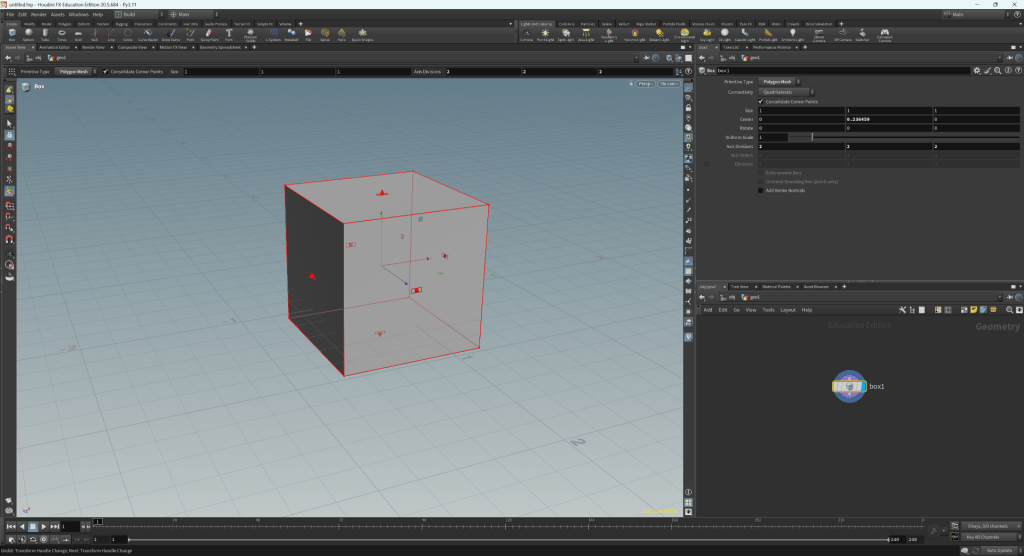
2. Editing a model
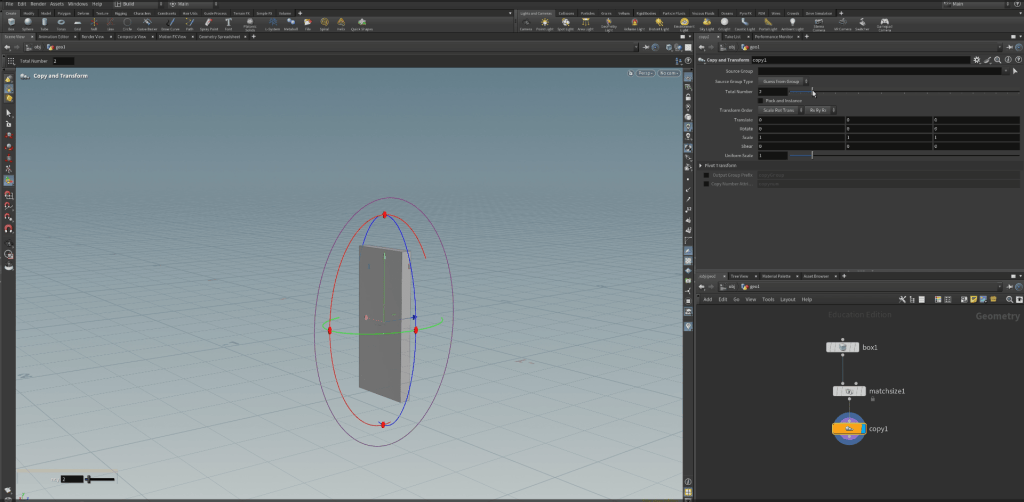
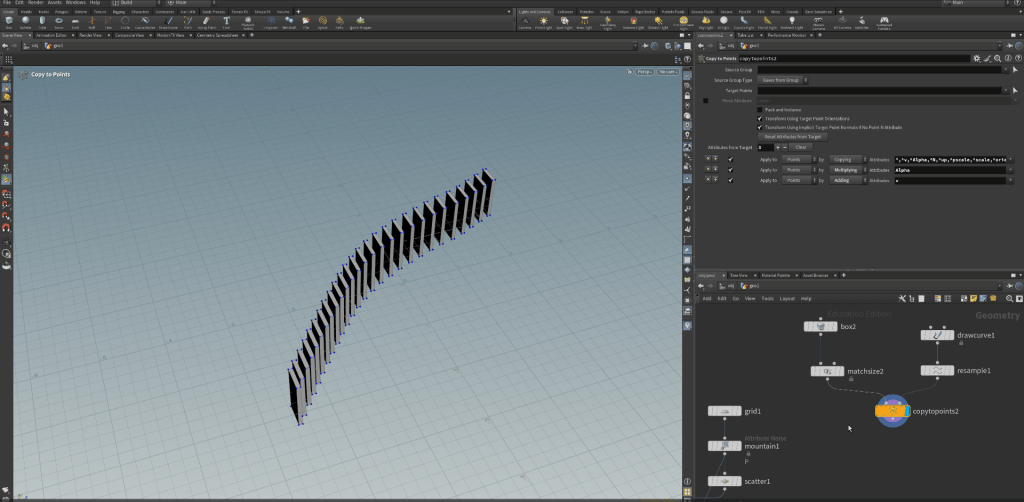
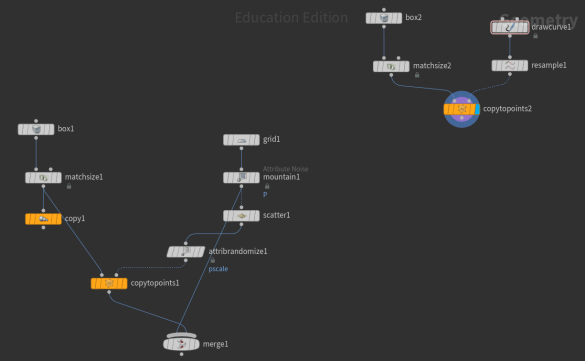
3. Duplicating a model along points: the box is duplicated and placed along points within a line.
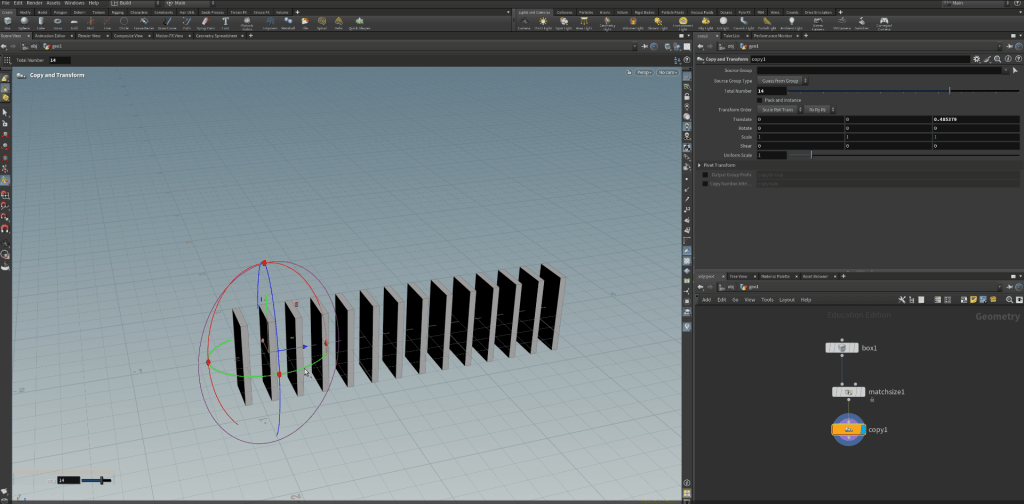
4. Creating mountain terrain
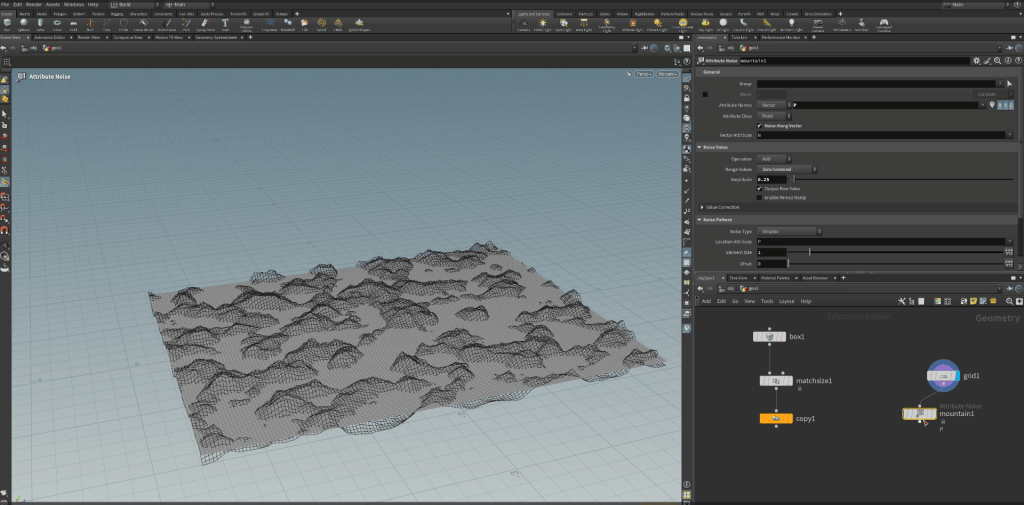
5. Copy to points on terrain plane:
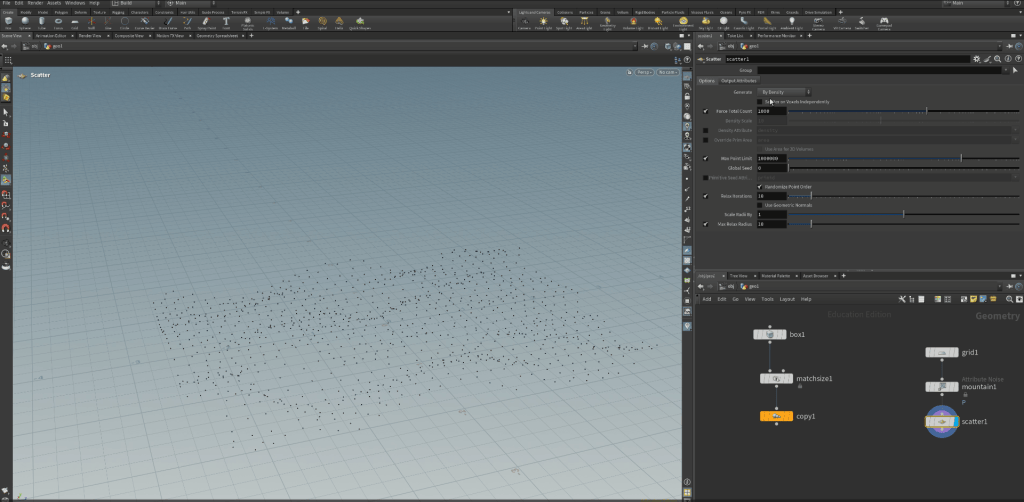
6.Copy to points duplicate
drawing a line
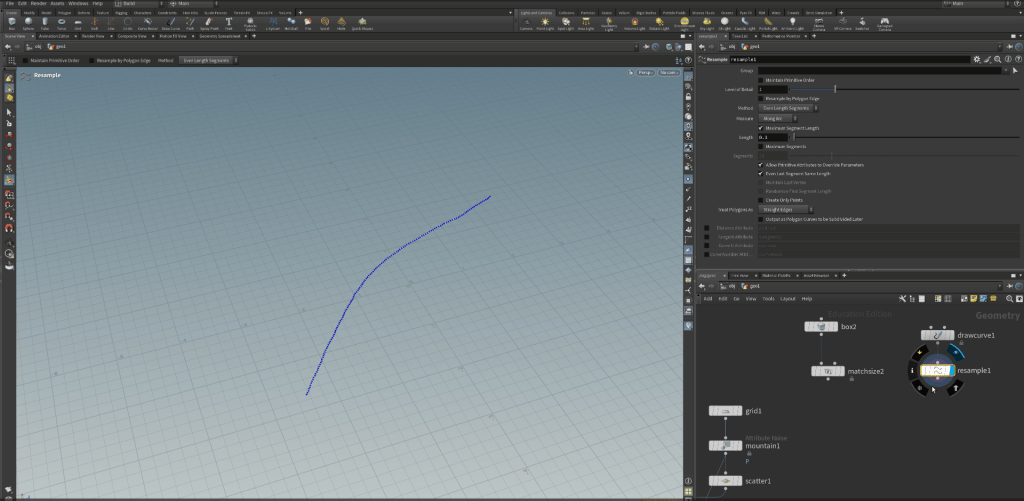
reducing the points
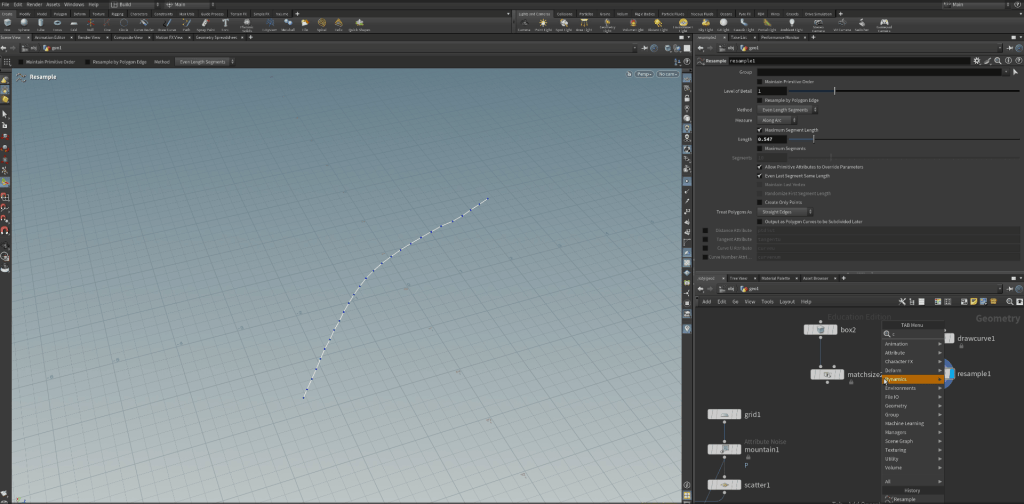
placing the duplicates on each point
WEEK 2
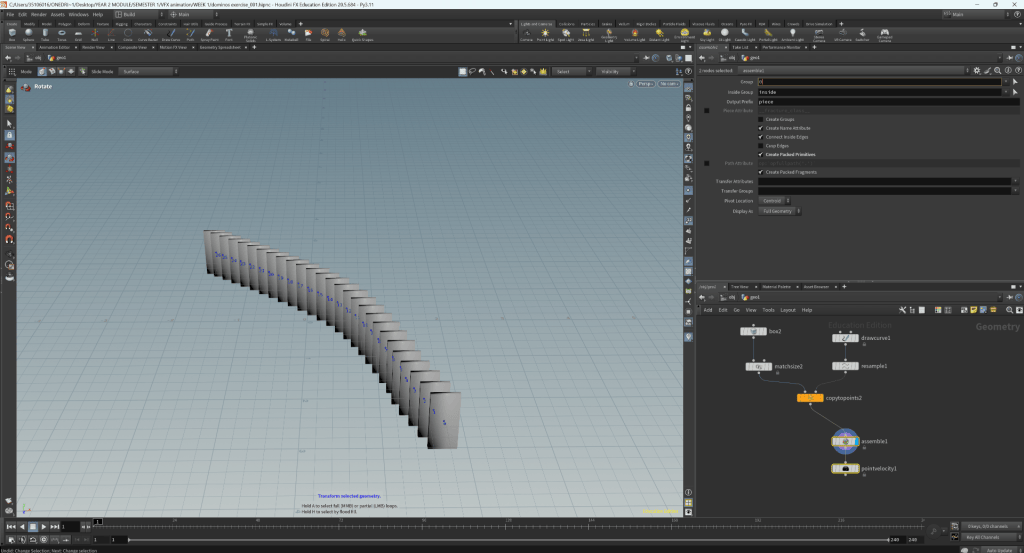
Introduction to Houdini Simulation
1. Dominoes
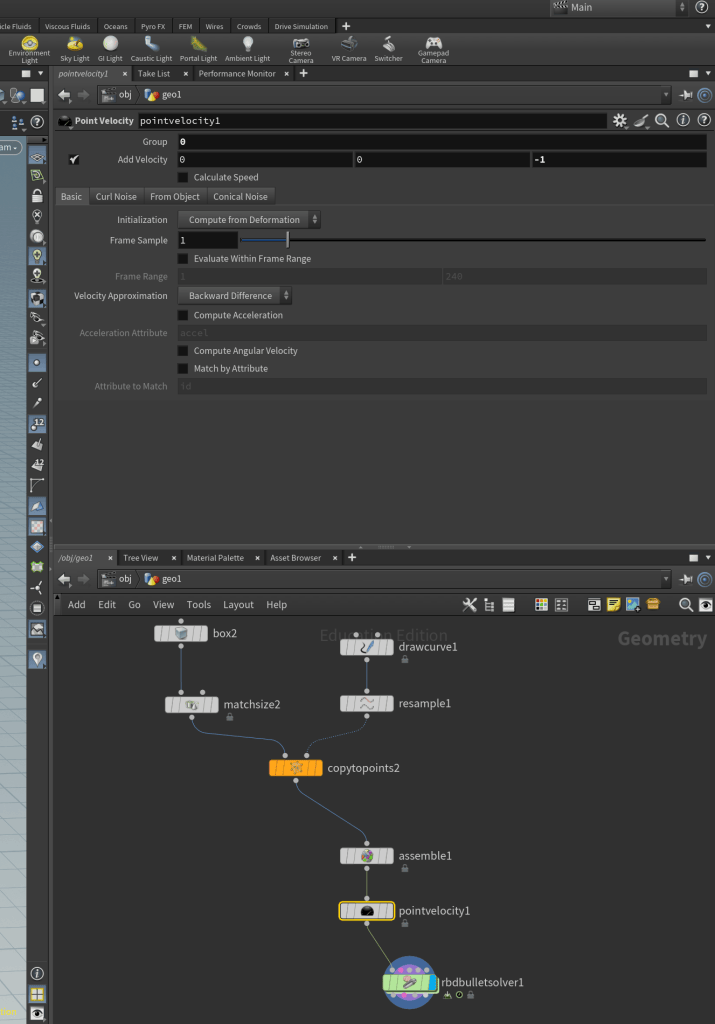
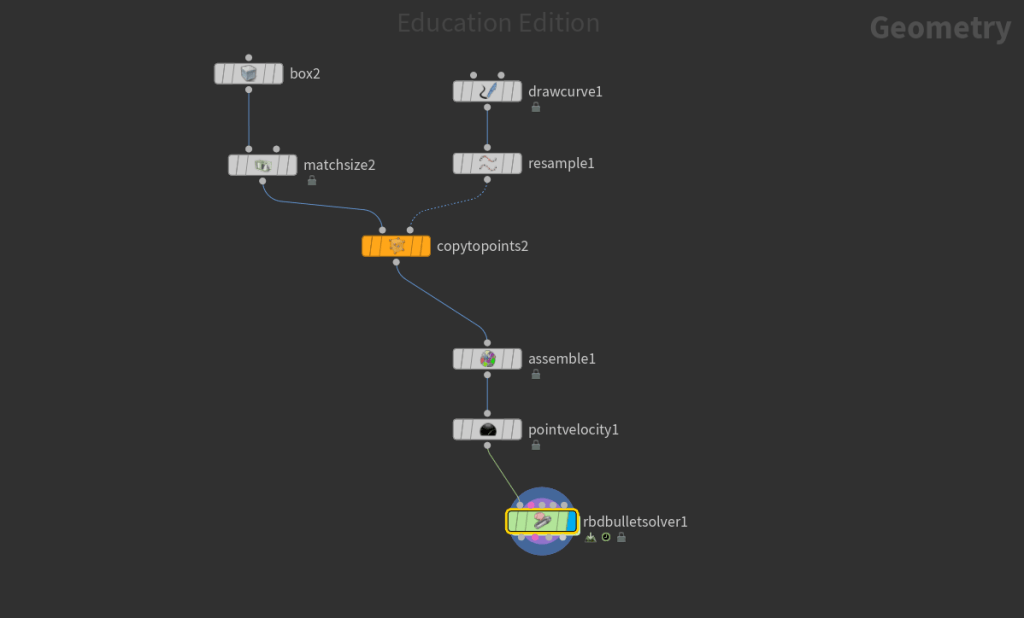
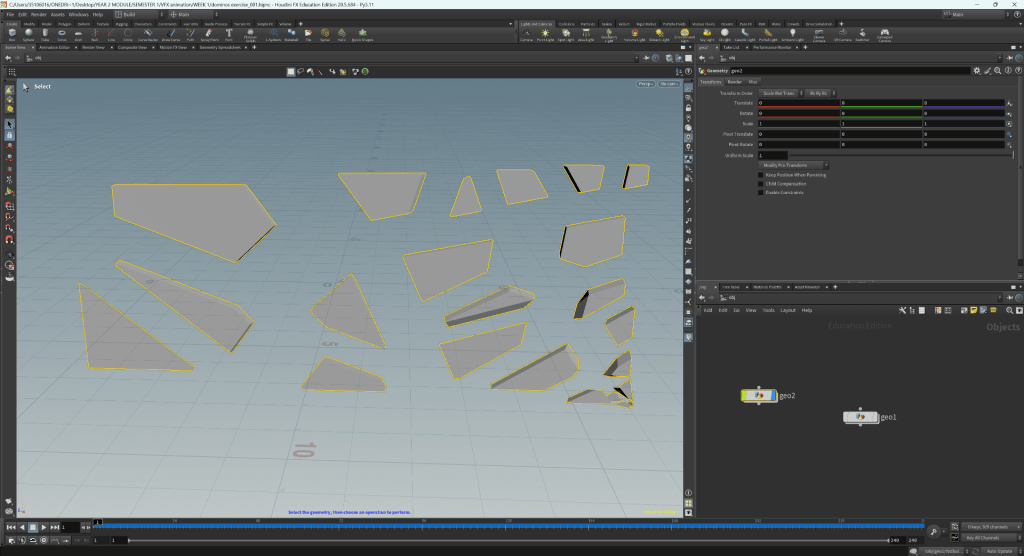
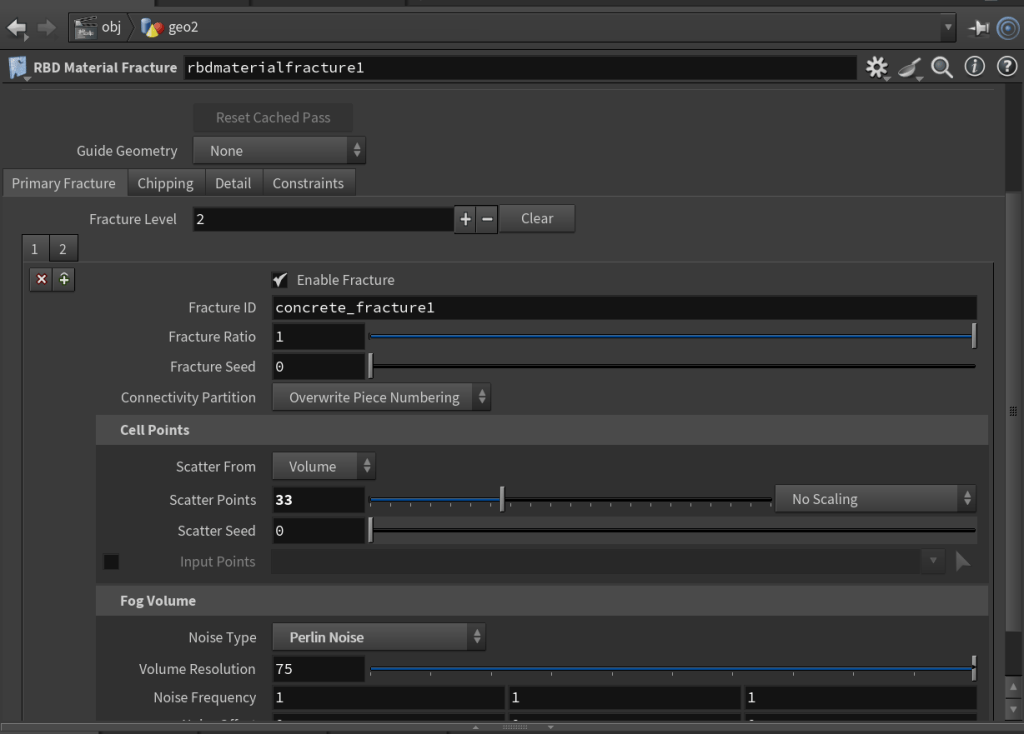
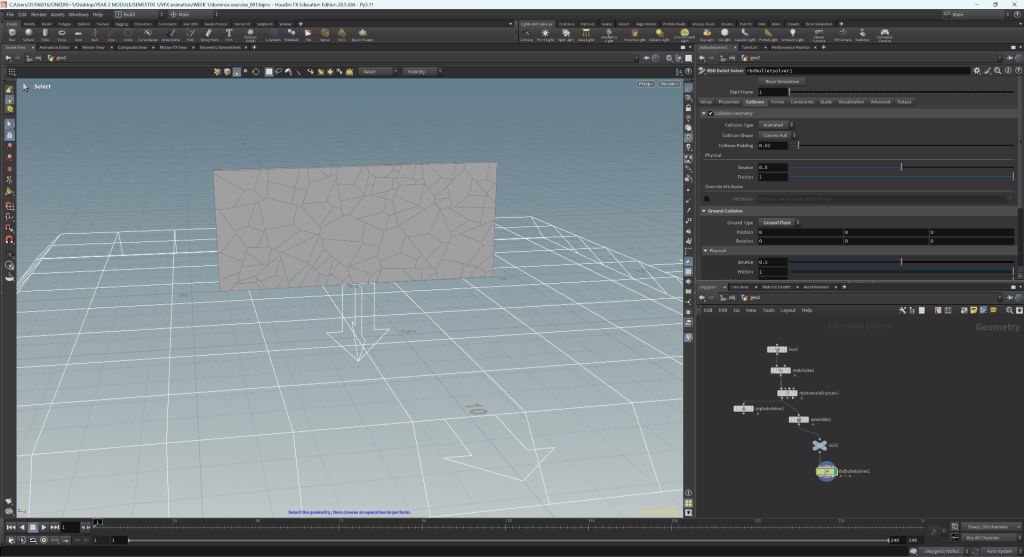
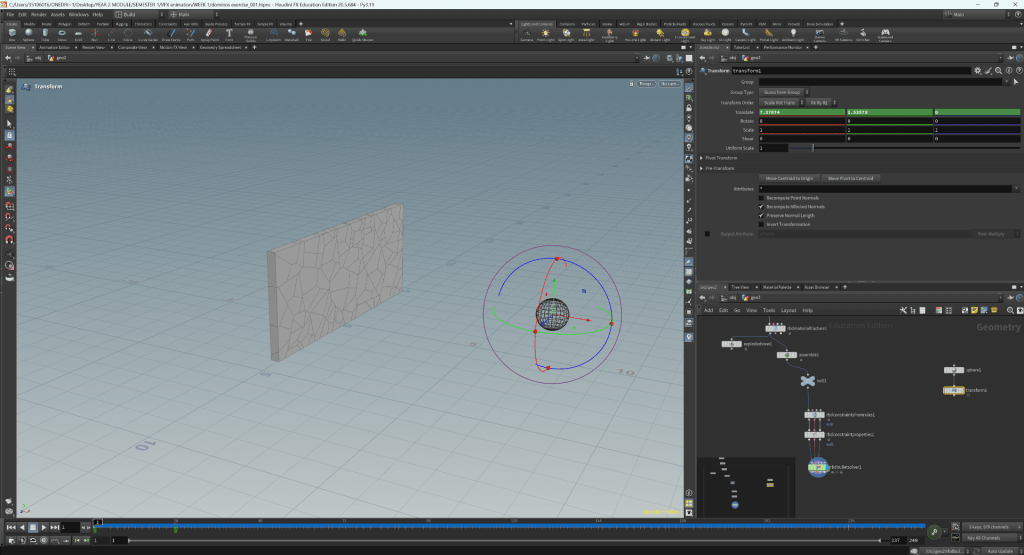
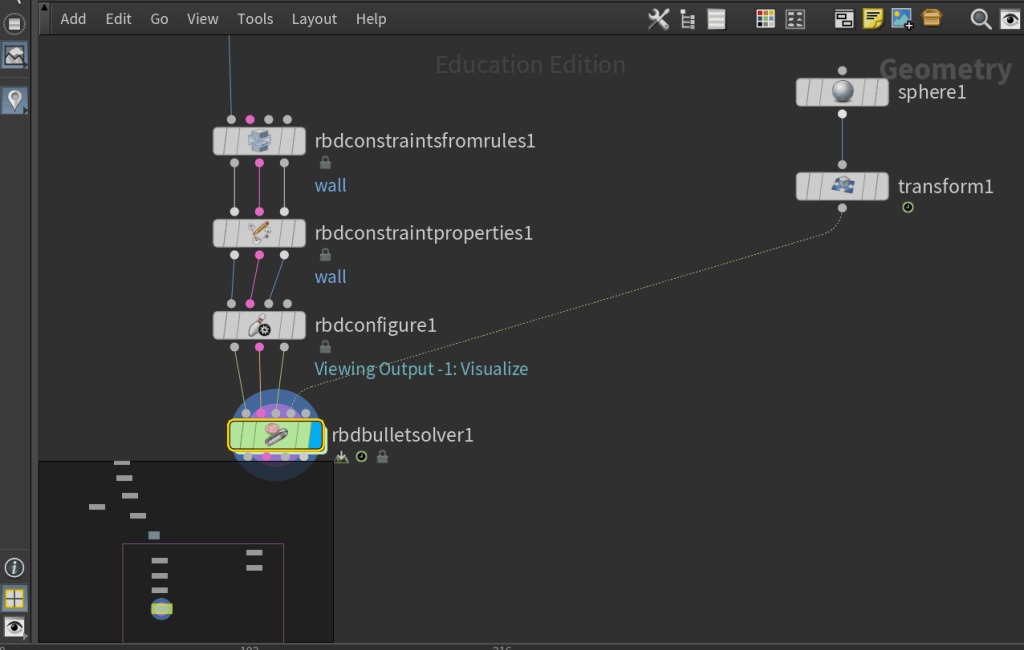
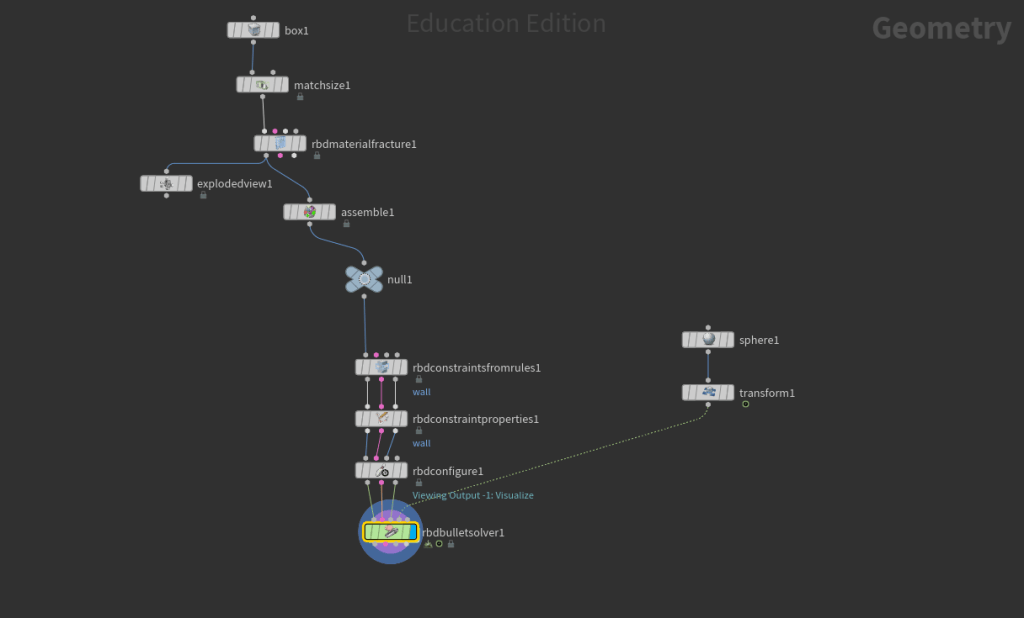
2. Crashing wall simulation
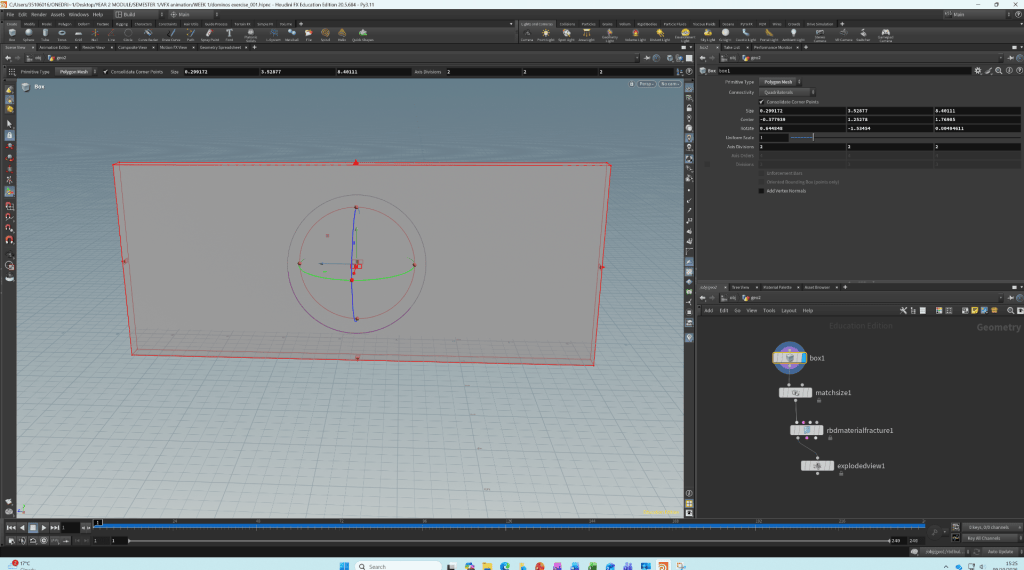
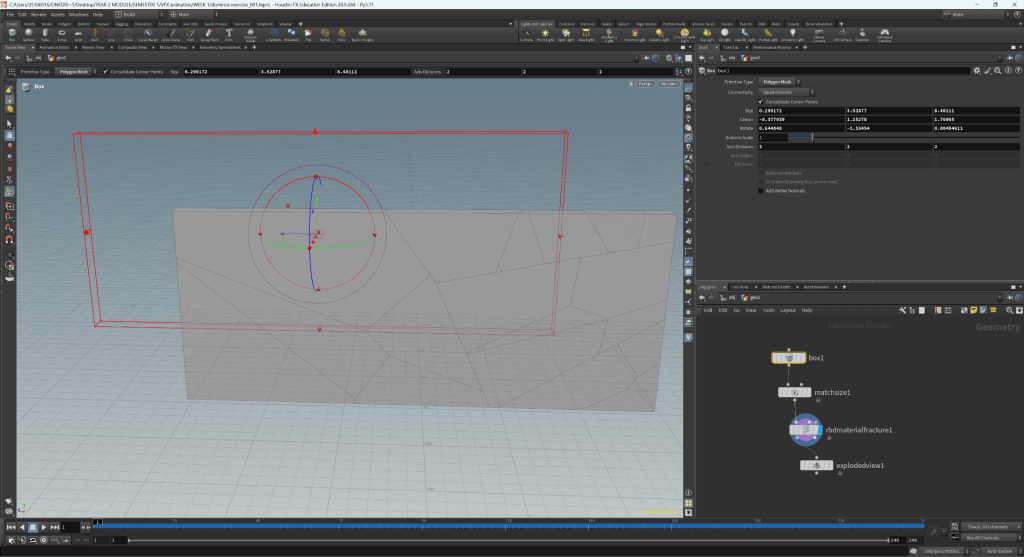
WEEK 3
Particle Simulation
This session was an introduction tot he process of creating particle simulations on Houdini. This cis useful for creating effects such as smoke, rain, fire, or water.
Key Nodes:
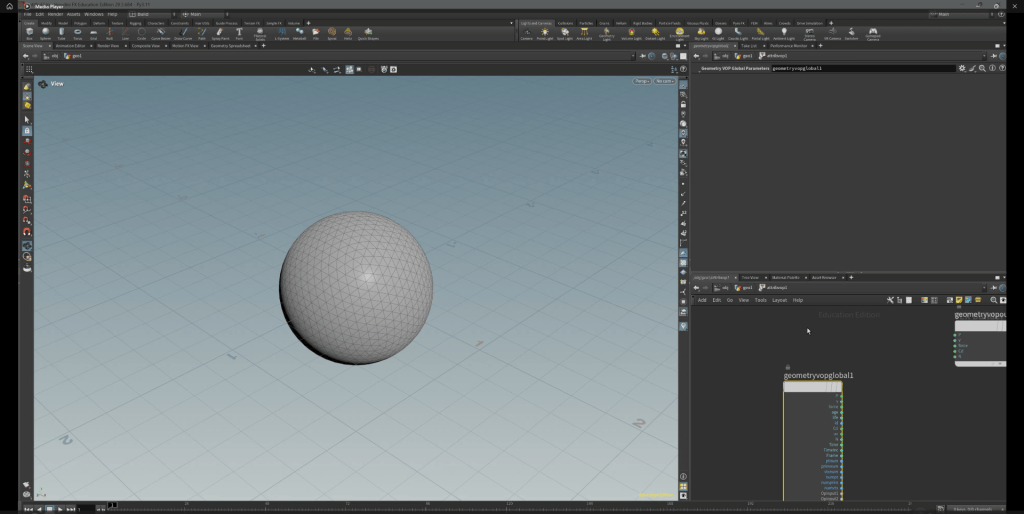
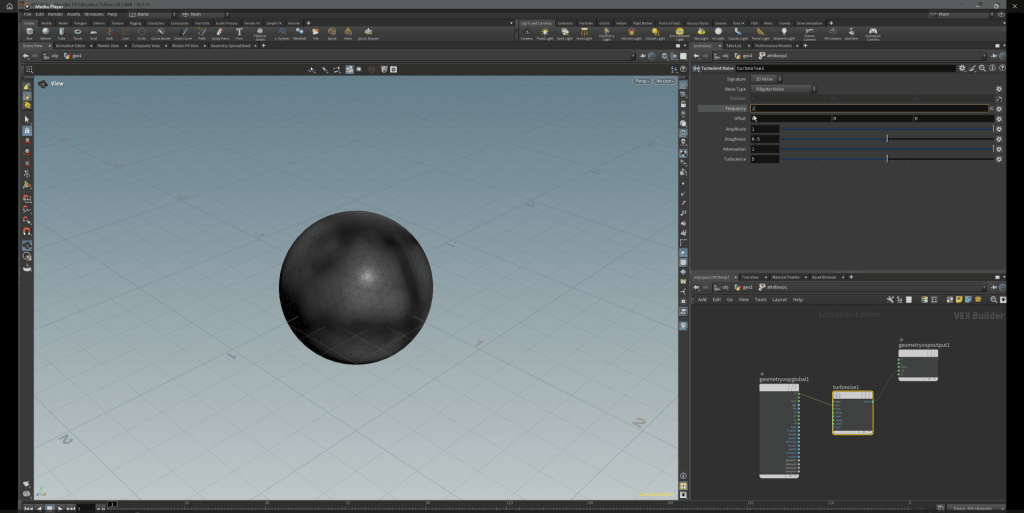
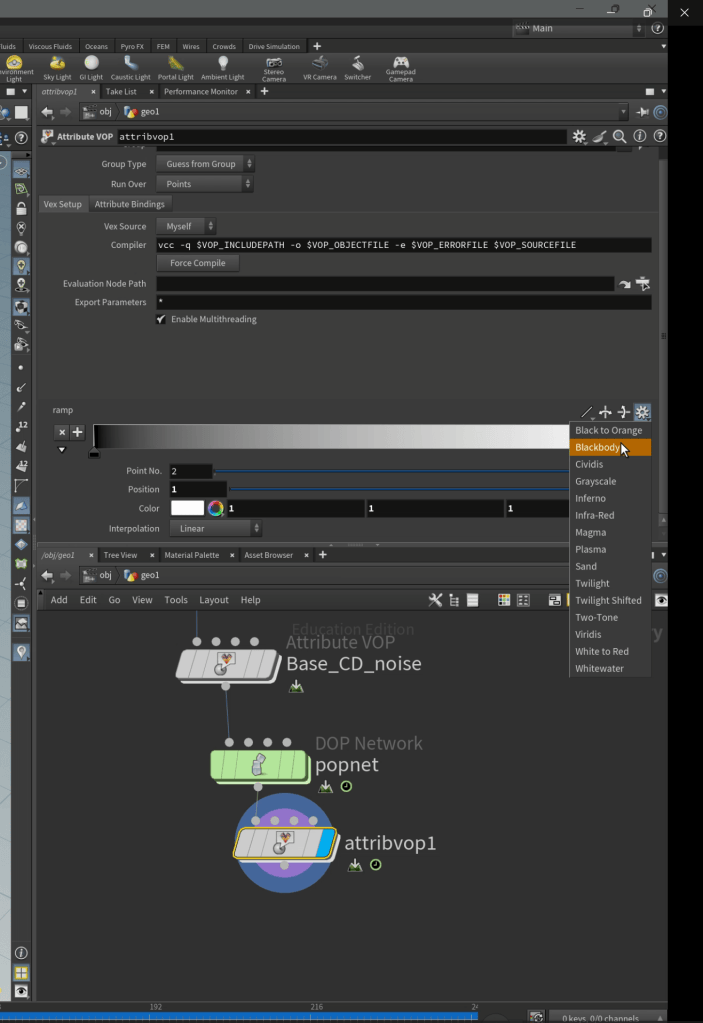
- Attribute VOP: used to make changes to a polygon or features within a project.
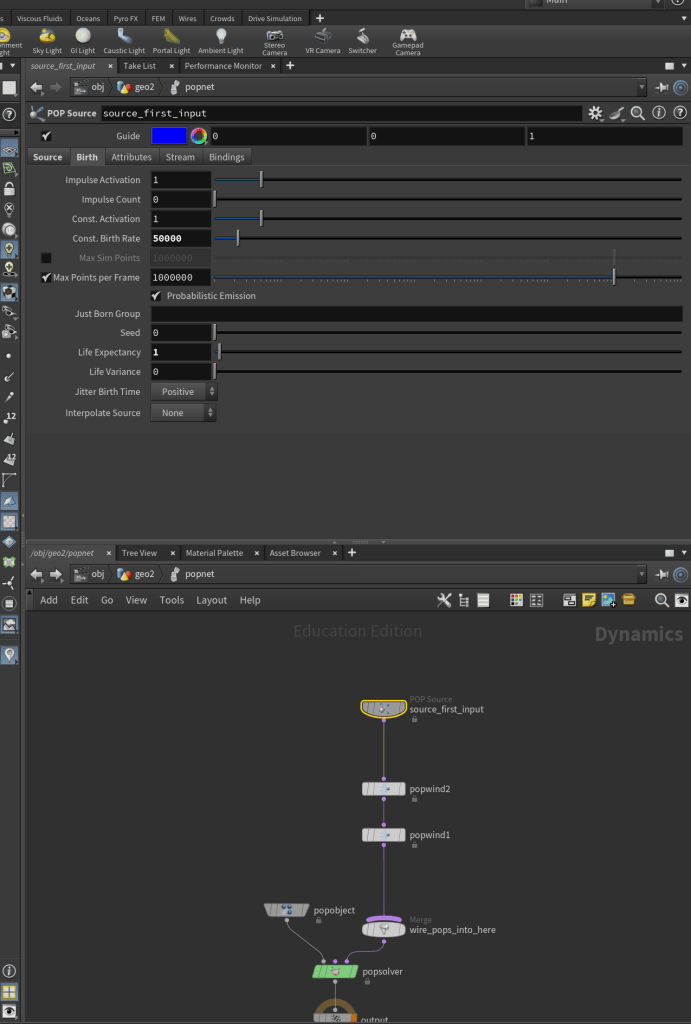
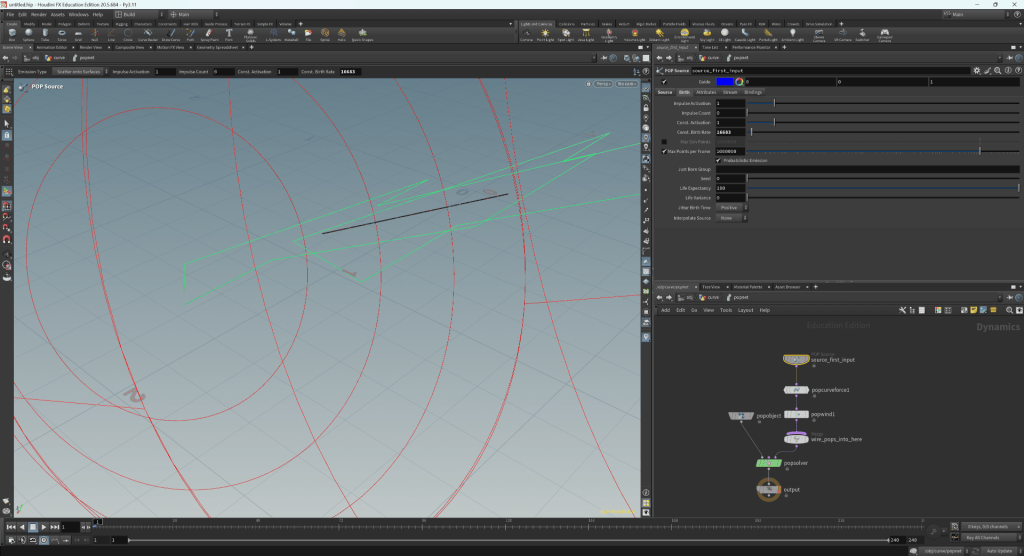
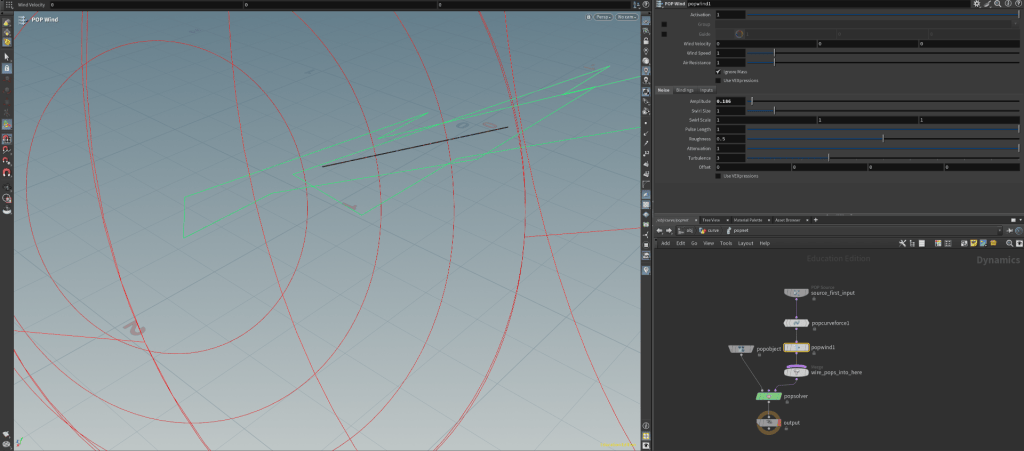
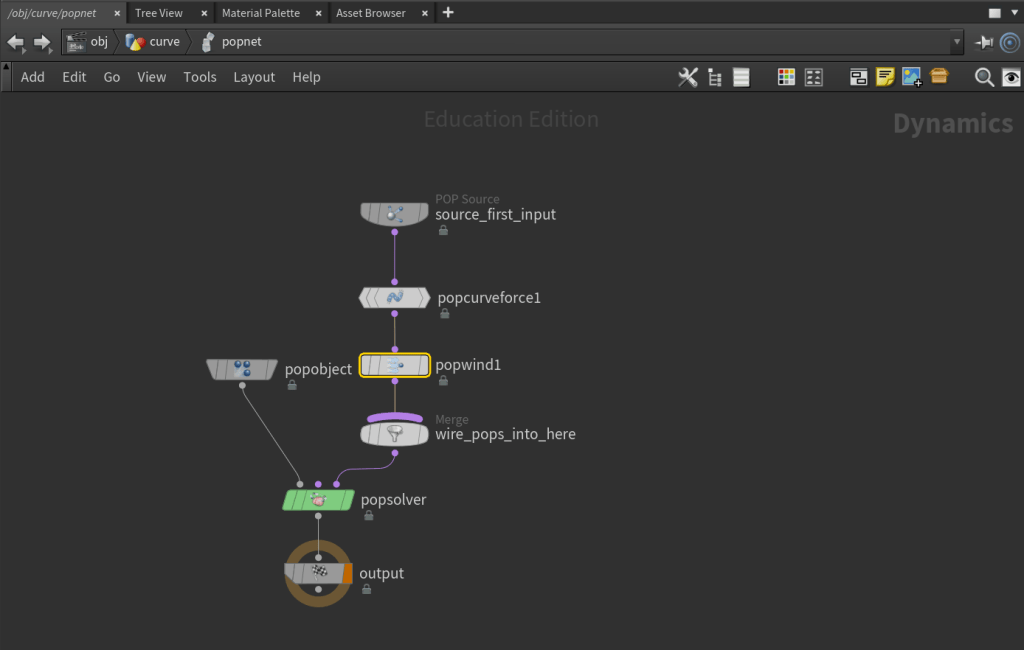
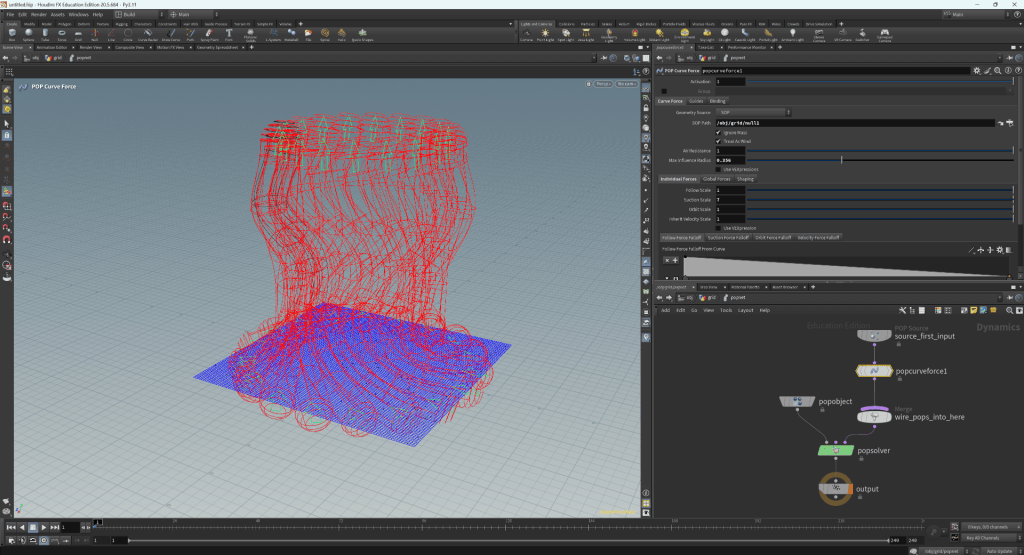
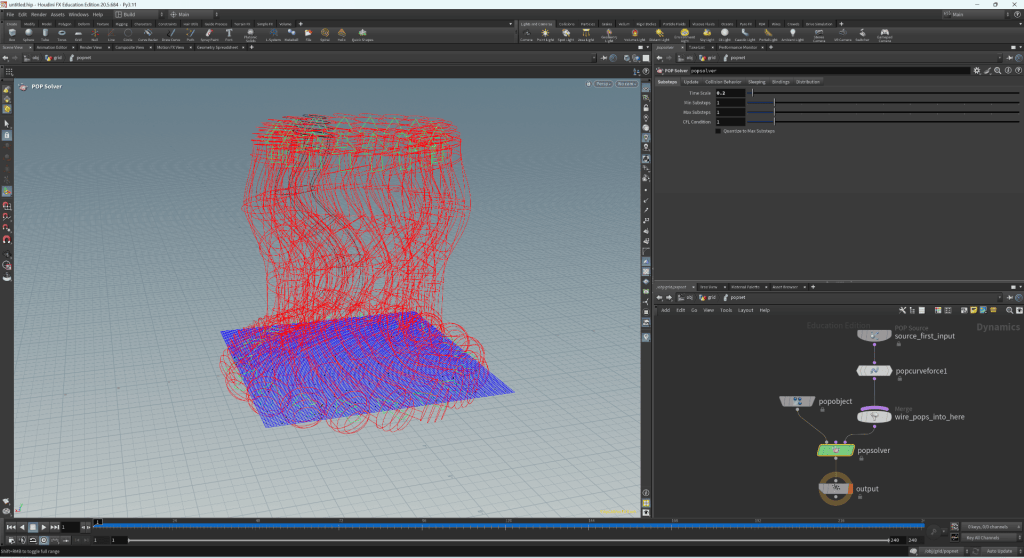
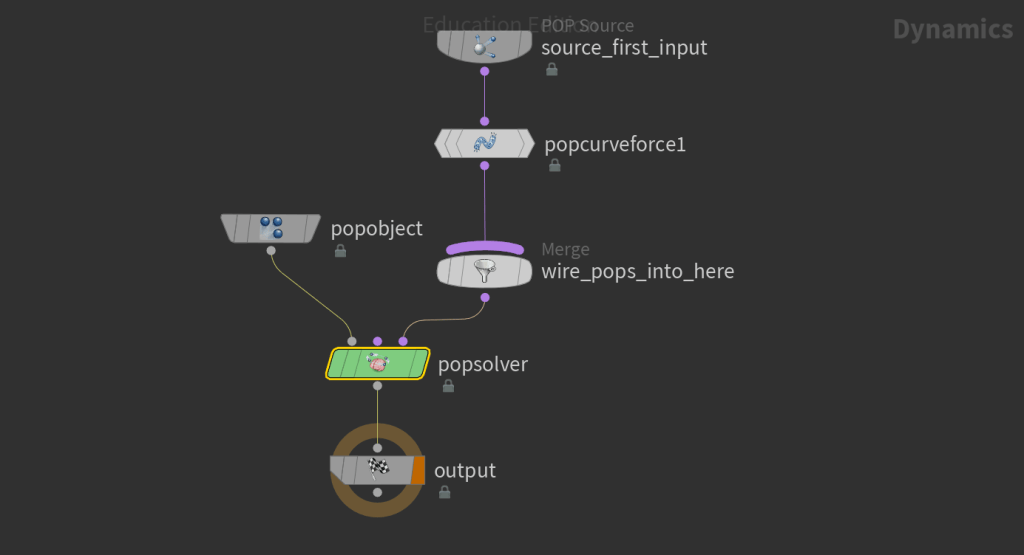
- POP network: used to simulate and edit particle systems
- Attribute blur: blends points within the system and its colour.
1. Sphere as a particle system source (1):
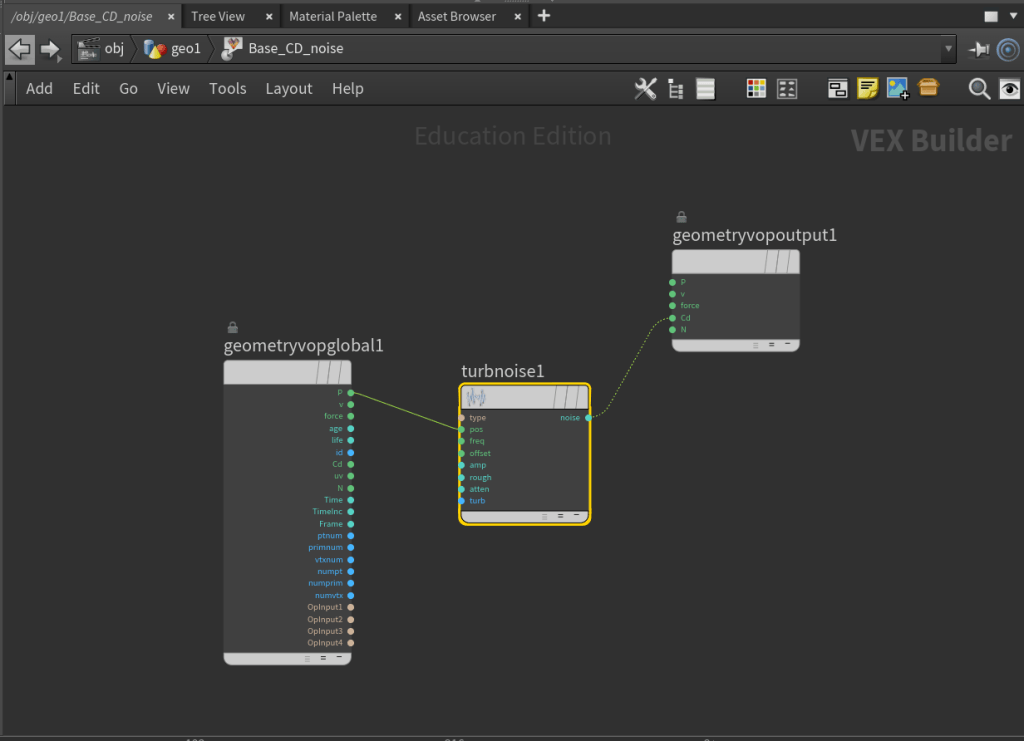
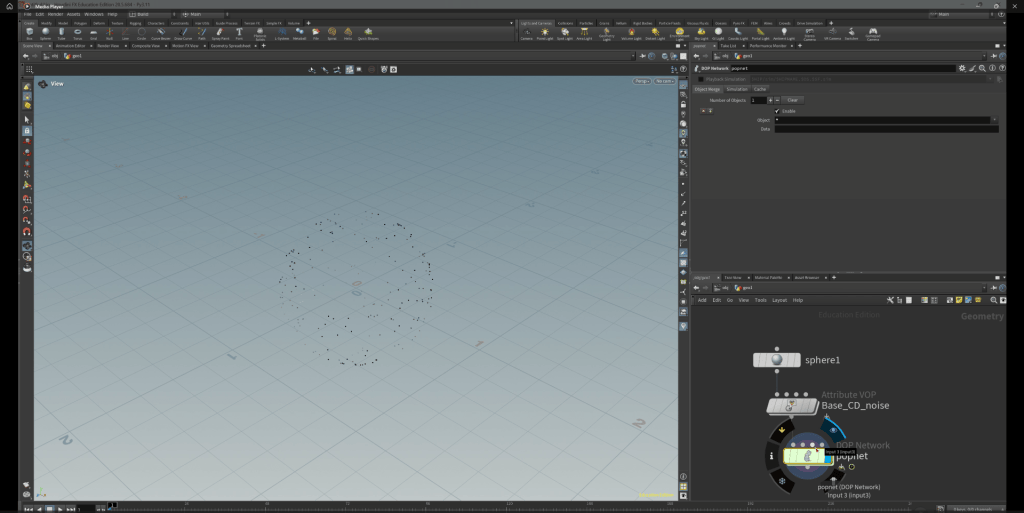
Sphere as a particle system source (2):
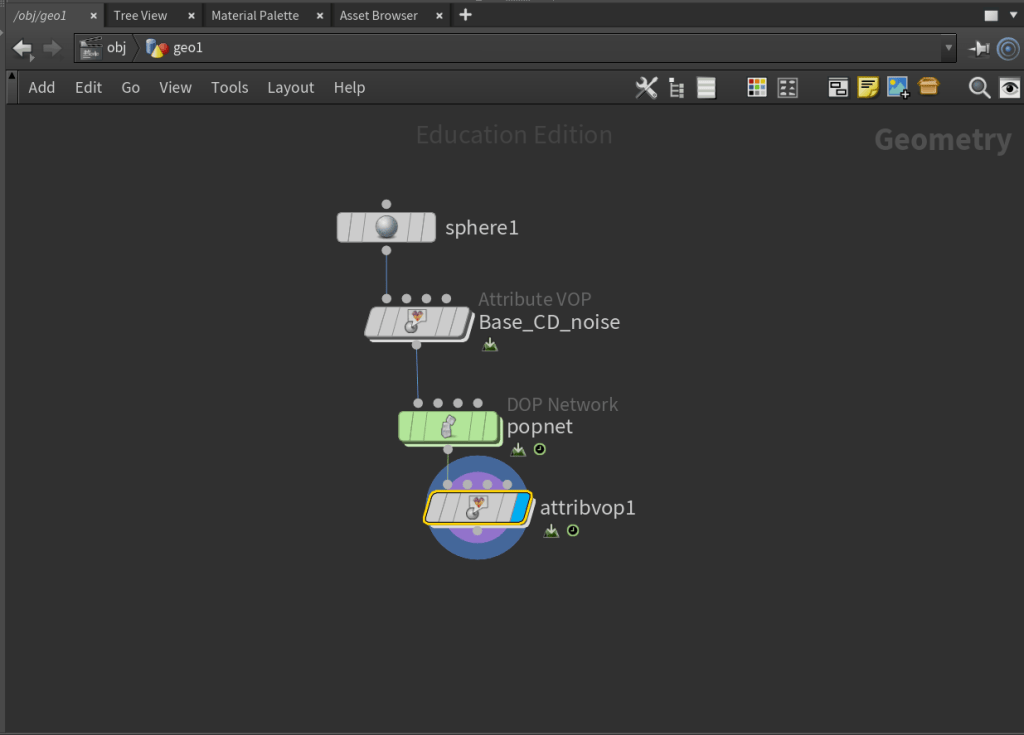
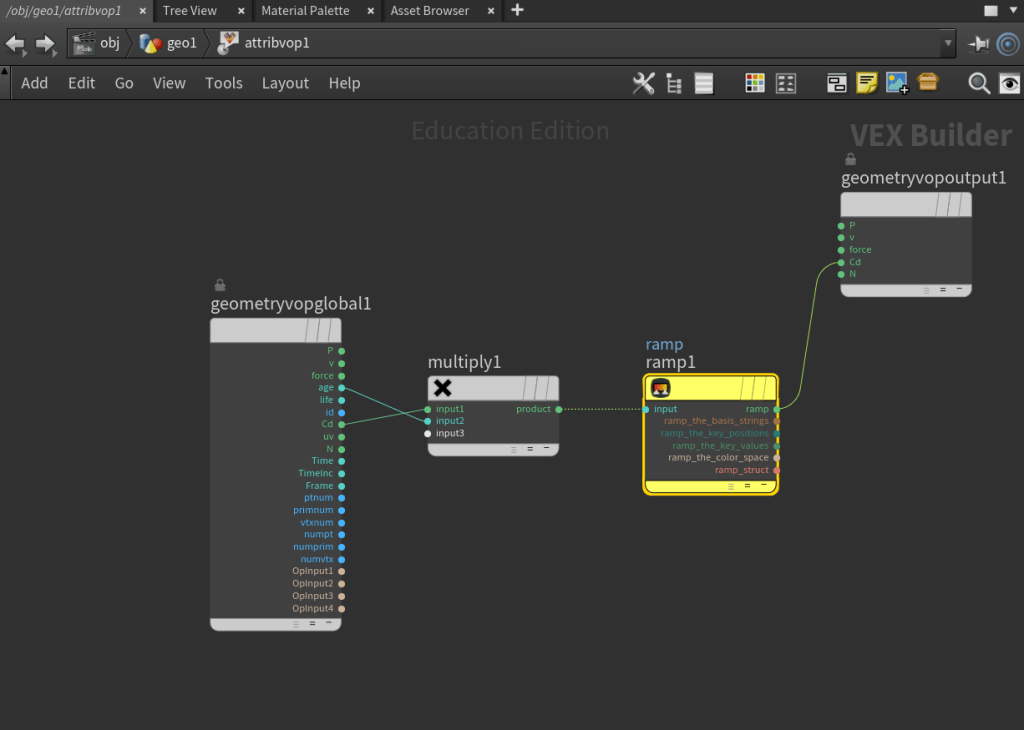
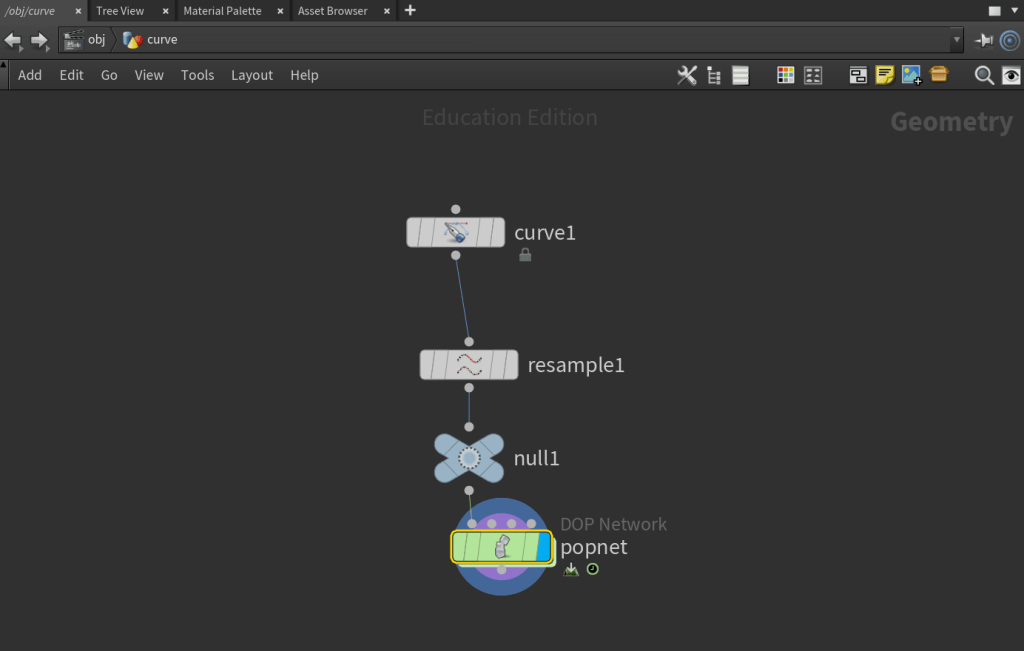
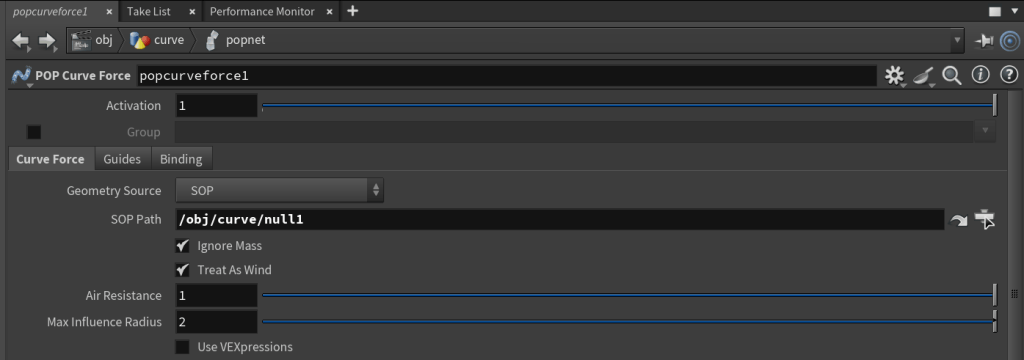
2. Curve as a particle system source:
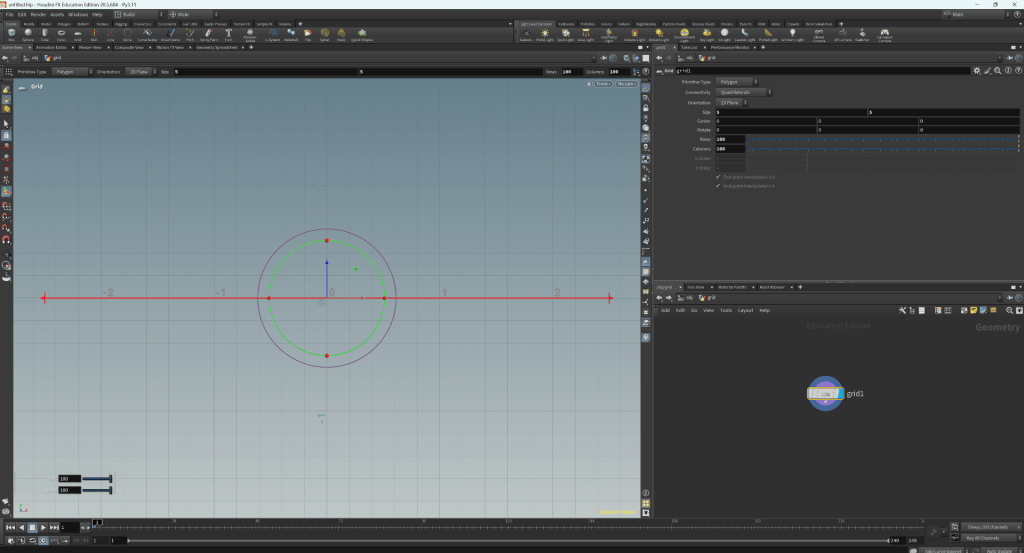
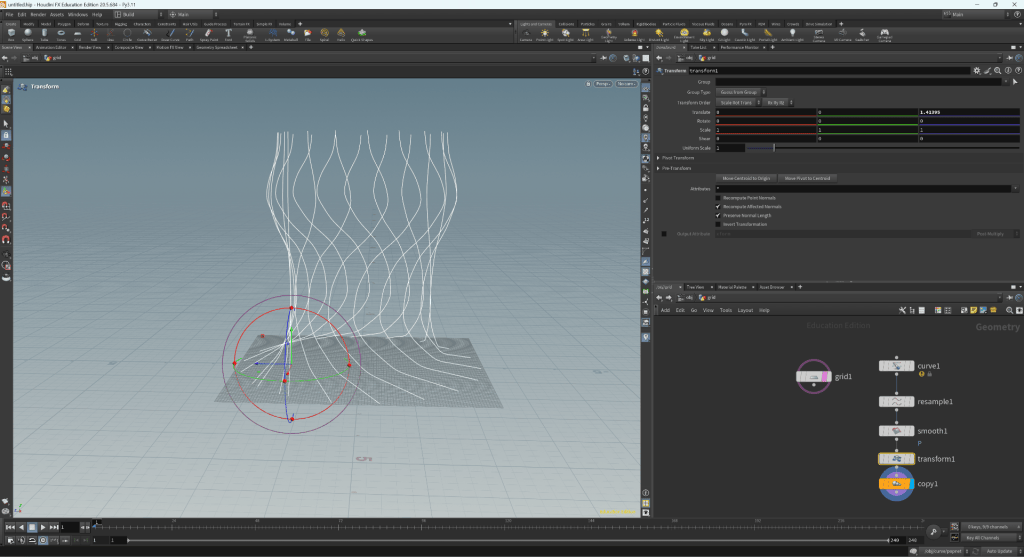
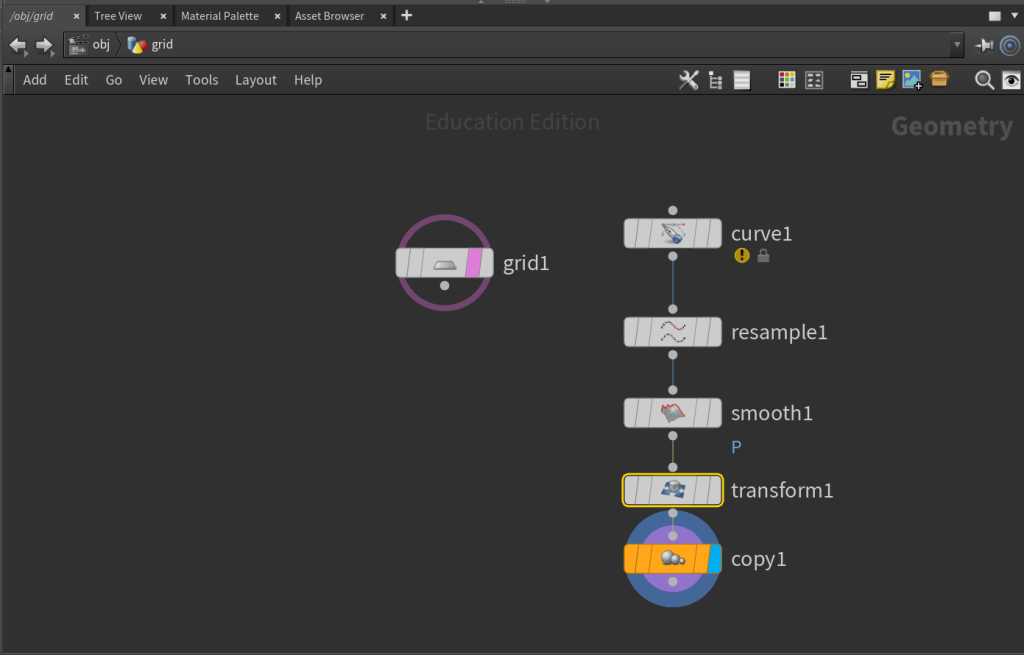
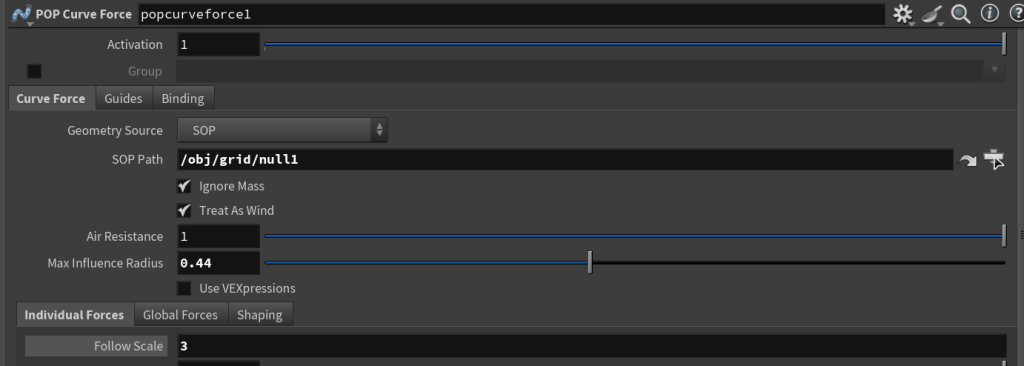
3. Grid as a Particle system source:
WEEK 4
Smoke Simulation
WEEK 5
Further Particle System Dynamics